
Fire TV
Retro TV, on the stick behind your TV.
SurfRewind turns your own Plex, Jellyfin or Emby library into channels and puts them on your Fire TV with the things that made flipping fun: static between stations, a banner telling you what you landed on, and a guide you can scroll with the remote.
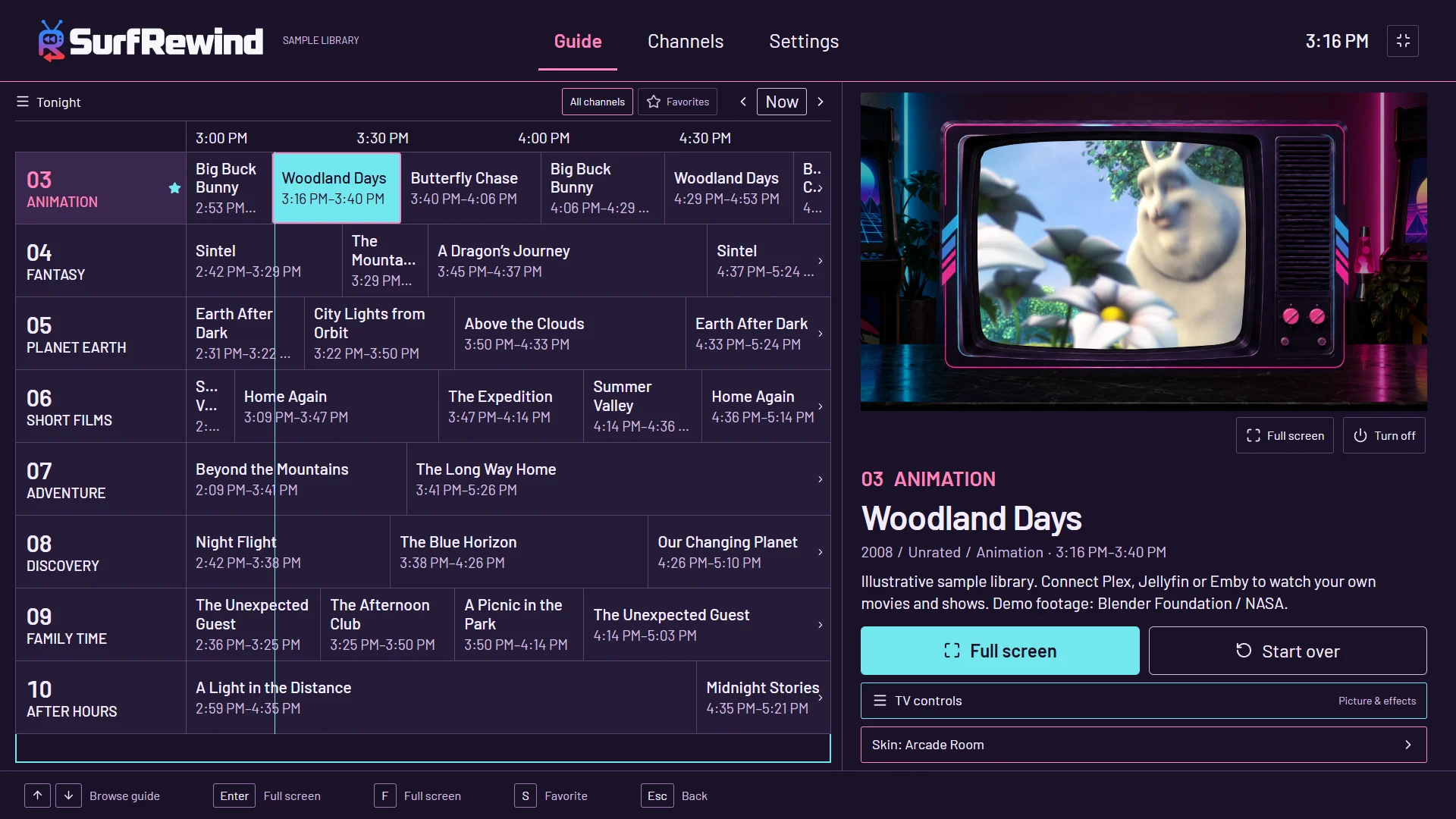
Made for a remote
Channel up and down flip. Number keys tune directly — three digits and you are there. Select shows the controls, then the info banner. Fast forward and rewind skip thirty seconds. Back goes to the guide, and on the guide it asks before leaving the app. Menu opens six things you might want while watching: picture and subtitles, the sleep timer, previous channel, Surprise me, and your looks.
The look of it
Four classic CRT cabinets come free: Charcoal, Woodgrain, Silver and Arcade Room. Add scanlines, snow, glass reflections and a room around the set, or switch all of it off and watch clean, full screen. Six Quick looks set everything in one press.
Setting it up on a Fire TV
Install SurfRewind, open it, and choose where your library lives. For Plex, a code appears on screen: scan it with your phone or type it at plex.tv/link, and you never type a password with the remote. For Jellyfin or Emby, enter the server address and account once. Pick the libraries you want on television and SurfRewind builds the lineup while you watch the first channel. Your library stays on your server; SurfRewind keeps only its guide and settings on the stick.
Smooth on a stick
Playback uses the Fire TV’s own hardware decoder through the same player stack as Android TV apps, so common H.264 and HEVC files direct-play without your server working hard. Channel changes take about two seconds on a current 4K stick, with static covering the gap. If a stream stalls, SurfRewind retries once and then says so, rather than sitting on a black screen. Cabinets, rooms and screen effects are drawn by the app, not burned into the video, so turning them off costs nothing.
The programming
Channels build themselves from your library, and you keep the ones you like: one for each of your biggest shows, decade and genre mixes, Saturday-morning cartoons on weekends, a movie block at 8 pm, darker programming after 11. Shows play in order where it matters. How the guide works.
Questions
Is SurfRewind on the Amazon Appstore?
Yes. SurfRewind is free on the Amazon Appstore for Fire TV: https://www.amazon.com/dp/B0HJBNX86C. Google TV and Android TV builds are on Google Play.
Which Fire TV devices work?
Android-based Fire TV Sticks and Cubes with a recent Fire OS. Fire TV devices running Vega OS do not run Android apps, so they are not supported.
Does the Fire TV remote work?
Yes: channel keys, number keys on remotes that have them, Select for controls and the info banner, fast forward and rewind for 30-second skips, and Menu for TV controls.
Do I need my own media?
Yes. SurfRewind plays movies and shows from a Plex, Jellyfin or Emby server you have permission to use. No content is included.
What does it cost?
Watching and every channel feature are free. Optional cosmetic themes, when they go on sale, are sold only through Amazon In-App Purchasing.